Directory of Campus Financial Reports
The following is a list of reports that can be run on demand at any time. Data presented in these reports are updated nightly, meaning data should reflect the as-of last working day night state.
Chart of Accounts Lookup Reports
- These reports are located in the Decision Support Portlet, under Chart of Accounts - Lookups
- All Authenticated Users can access these reports.
| Name | Description | Sample | Audience/User |
|---|---|---|---|
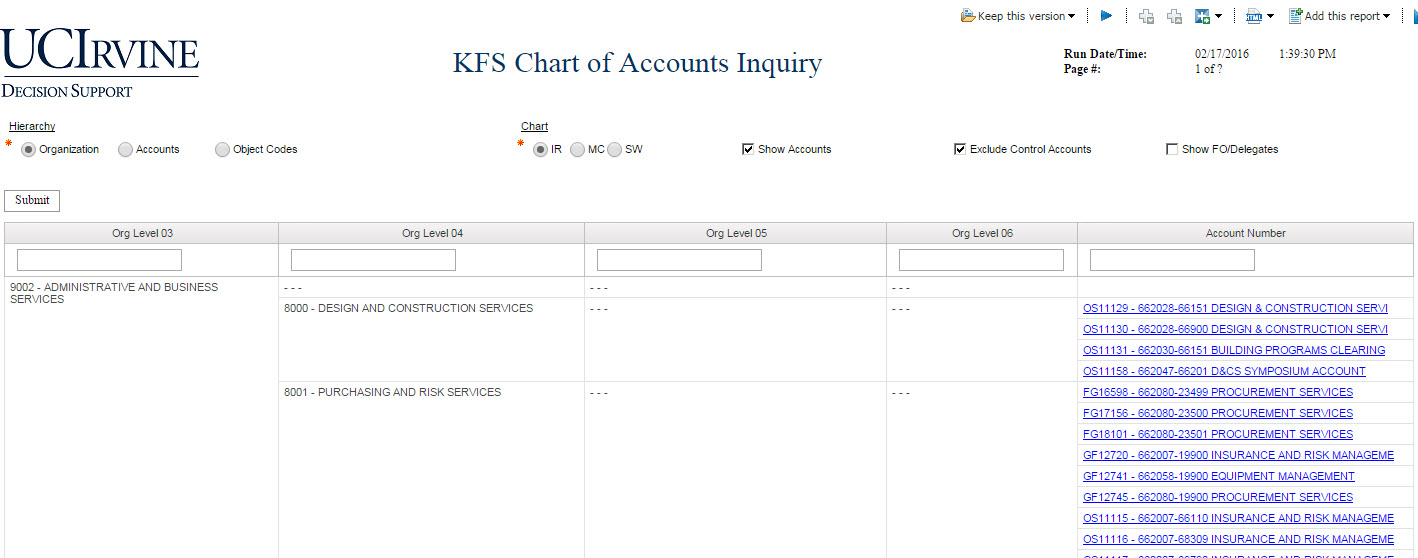
| Chart of Accounts Inquiry | This utility provides a convenient way of searching and navigating the KFS Chart of Accounts structure. This includes Organizational Hierarchy, Accounts, Fiscal Officers and Delegates, Fund Groups, and Object Codes. Learn more about this report. |
|
All Financial Users |
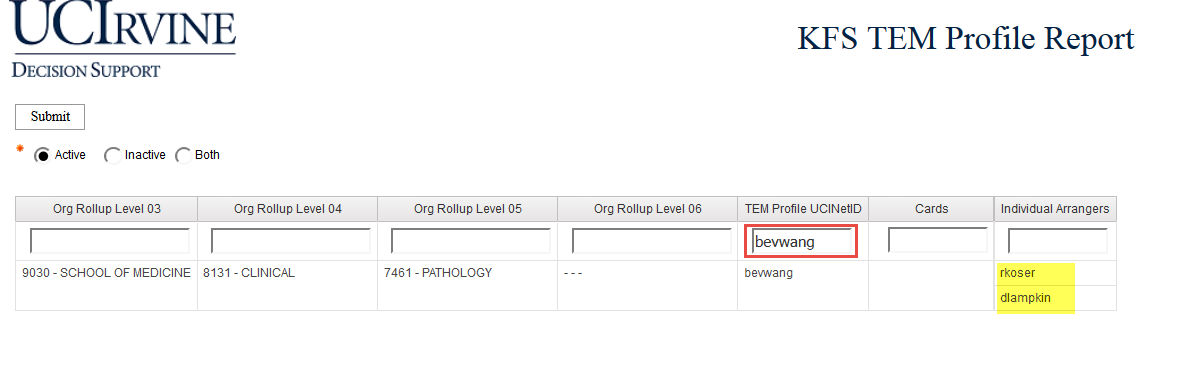
| TEM Profile Report | The TEM Profile report shows employees who have a TEM Profile and what Organization they’re assigned to. Learn more about this report. |
|
Travel and Event Management Arrangers |
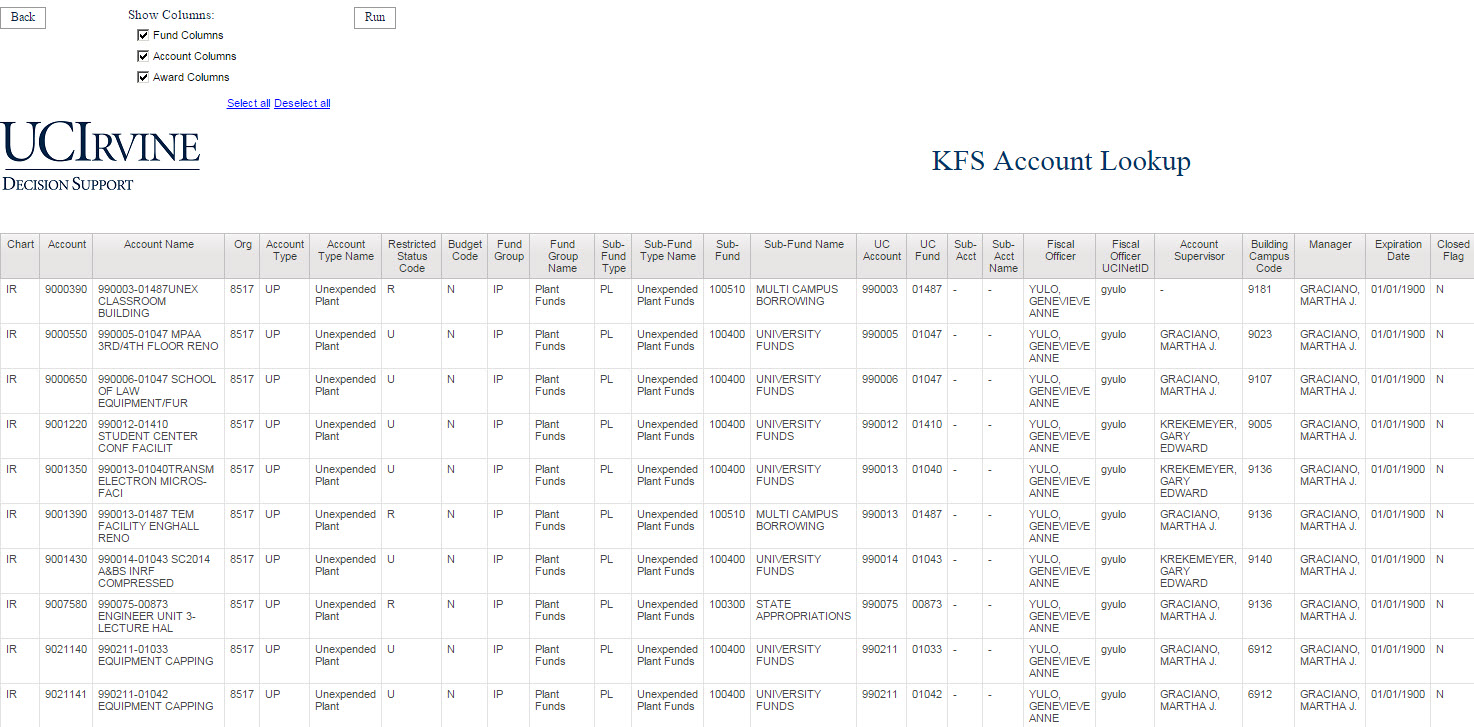
| Account Lookup | Shows a list of Accounts. It is recommended to use the Chart of Accounts Inquiry to pull the same information. You can filter by Organization Code, or Fund. There are additional options on the top left of the Report Prompt Page. |
|
All Financial Users |
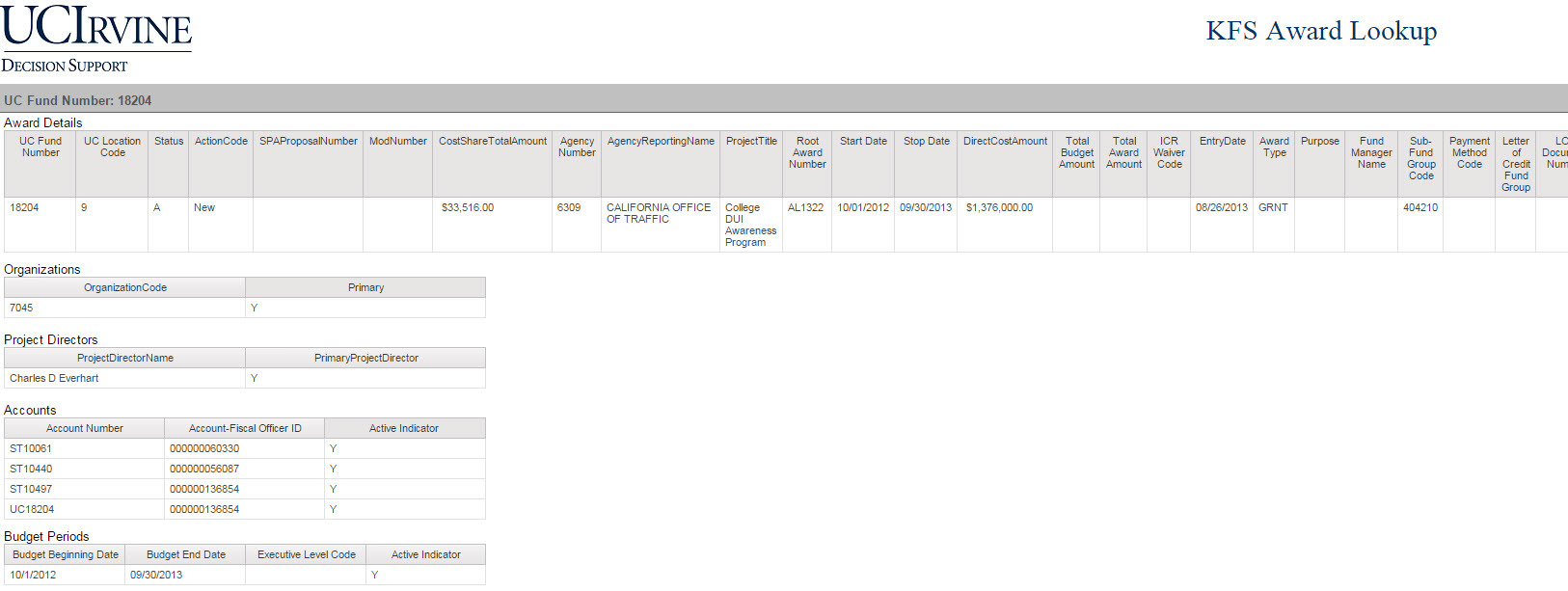
| Award Lookup | Search for Award details using a wide variety of filters. |
|
All Financial Users |
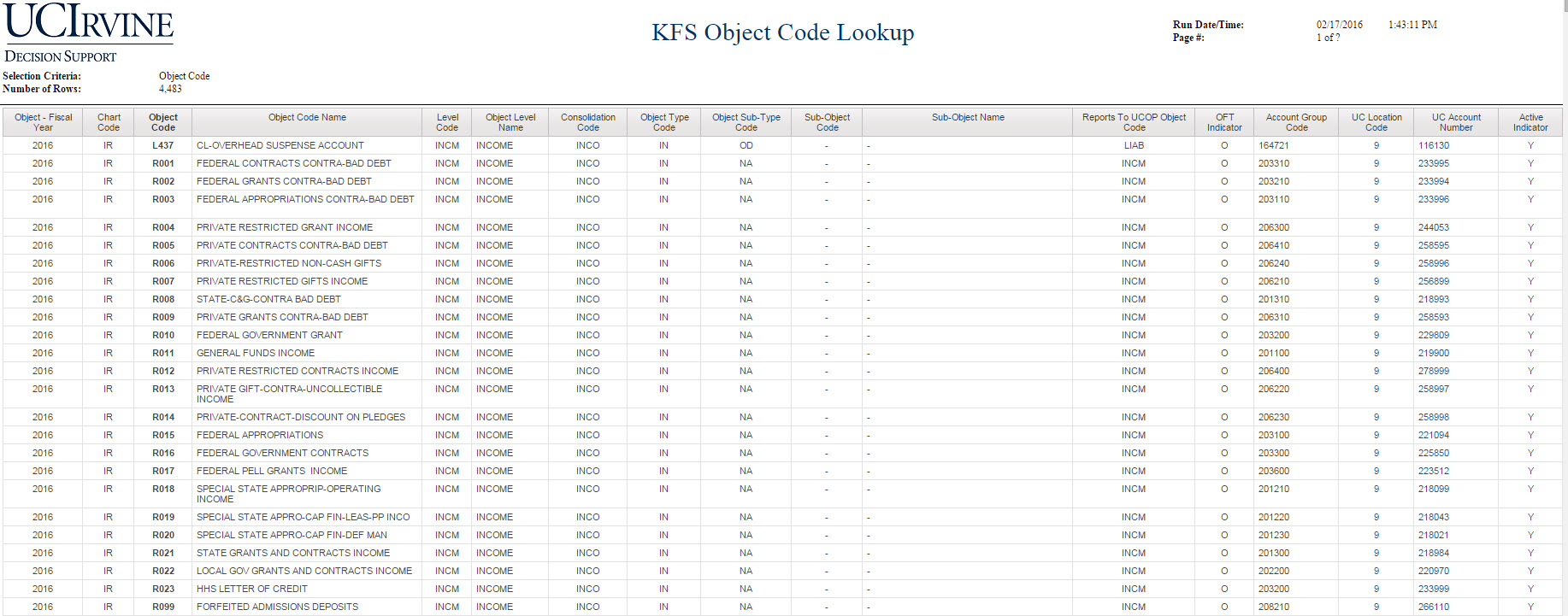
| Object Code Lookup | Shows a list of Object Codes. It is recommended to use the Chart of Accounts Inquiry to pull the same information. You can filter by Object Consolidation, Level Code, or specific Object Codes. |
|
All Financial Users |
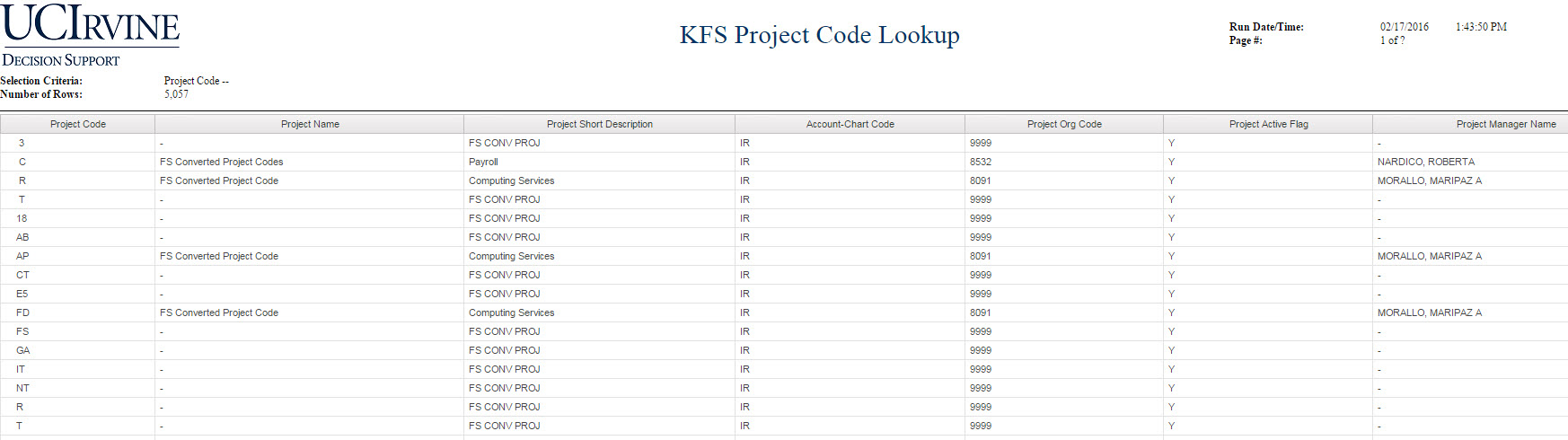
| Project Code Lookup | Show's a list of all Project Codes. You can Filter by Organization Code, or a specific set of Project Codes. To view all Project Codes, use the '%' wildcard symbol to search for everything. |
|
All Financial Users |
General Ledger Reports
- These reports are located in the Decision Support Portlet, under General Ledger - Campus Reports
- KFS User (54) or KFS Decision Support Viewer is required to access these reports.
| Name | Description | Sample | Audience/User |
|---|---|---|---|
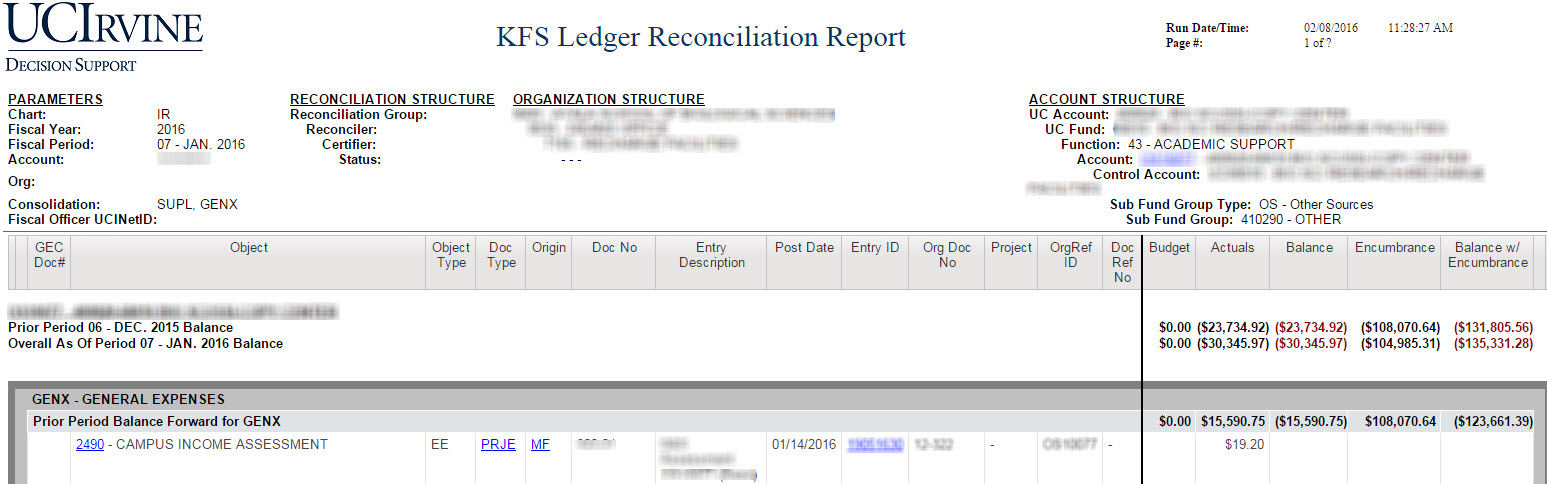
| Ledger Reconciliation |
This report provides detailed transactional information on Current Budget, Actuals and Encumbrances for a given Account with subtotals at each Consolidation. This report features a balance from the previous month for the account and each Consolidation Code. |
|
Fiscal Officers and Financial Managers. |
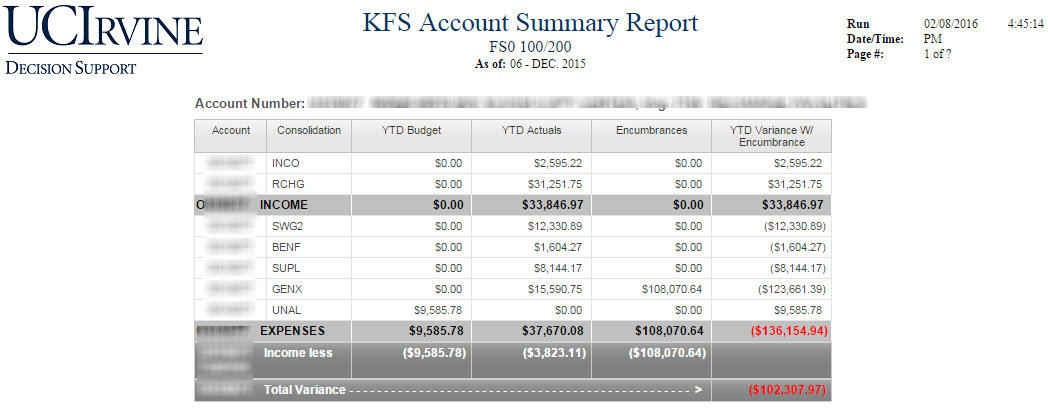
| Account Summary Report | The Account Summary Report shows “as of” totals and balances for an Account by Consolidation Code and by Object Code. |
|
Fiscal Officers and Financial Managers. |
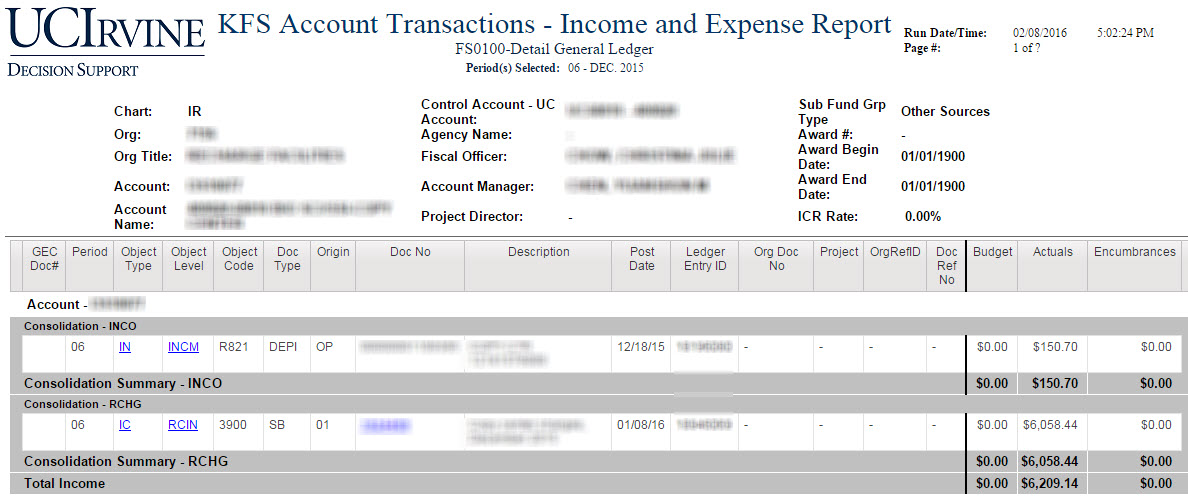
| Account Transaction - Income and Expense |
The Account Transaction Report shows detail entries from the KFS General Ledger. |
|
Fiscal Officers and Financial Managers. |
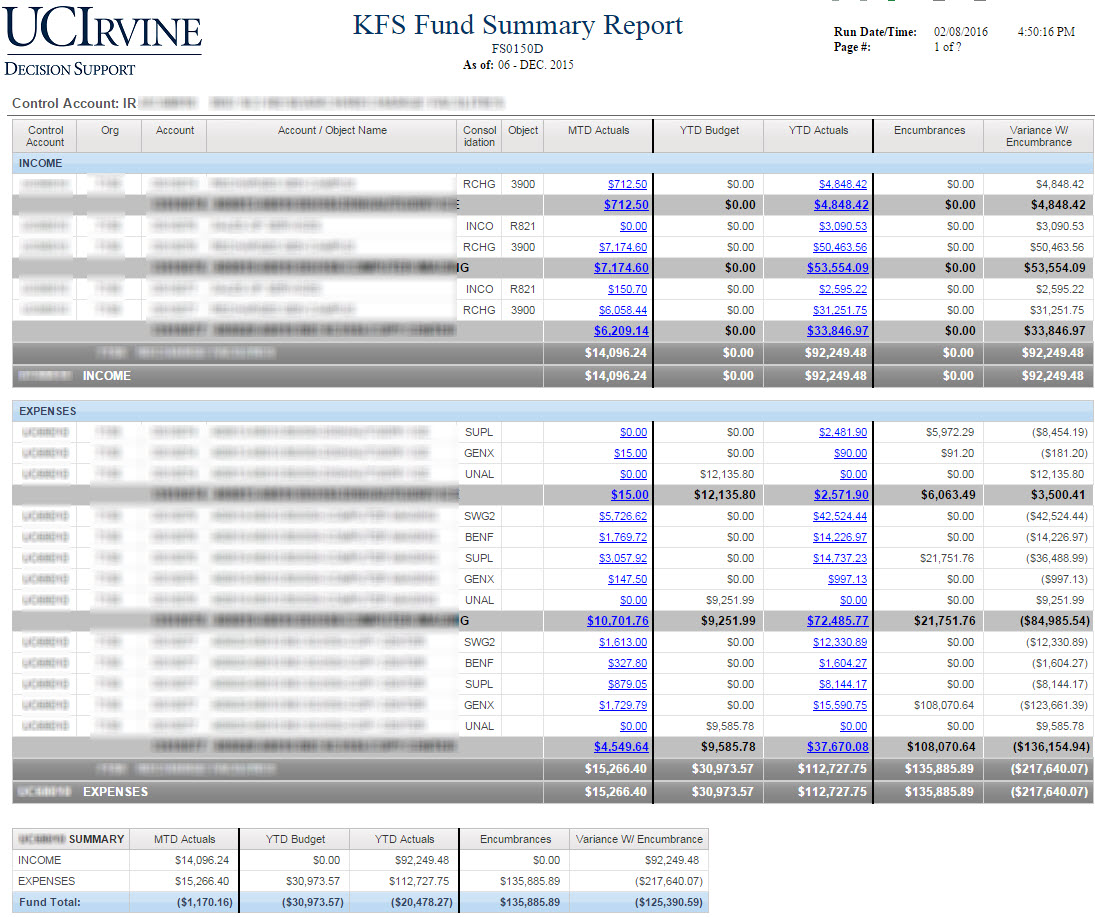
| Fund Summary Report | The Fund Summary Report shows “as of” totals and balances of a particular fund by Account and by Consolidation Code. |
|
Fiscal Officers and Financial Managers. |
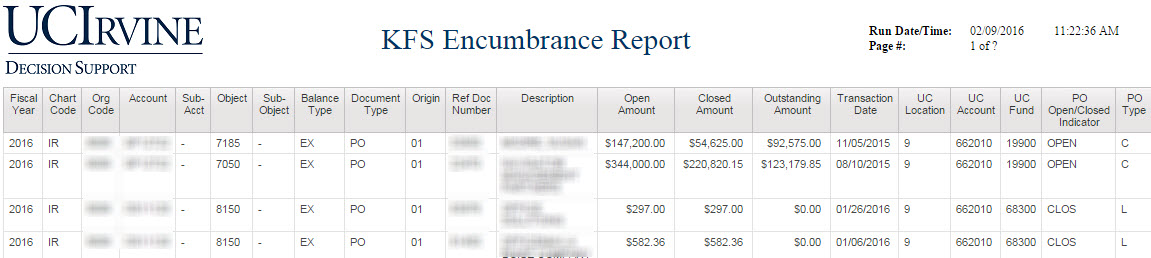
| Encumbrance Report | The Encumbrances report displays the most current detail for encumbrances. |
|
Fiscal Officers and Financial Managers. |
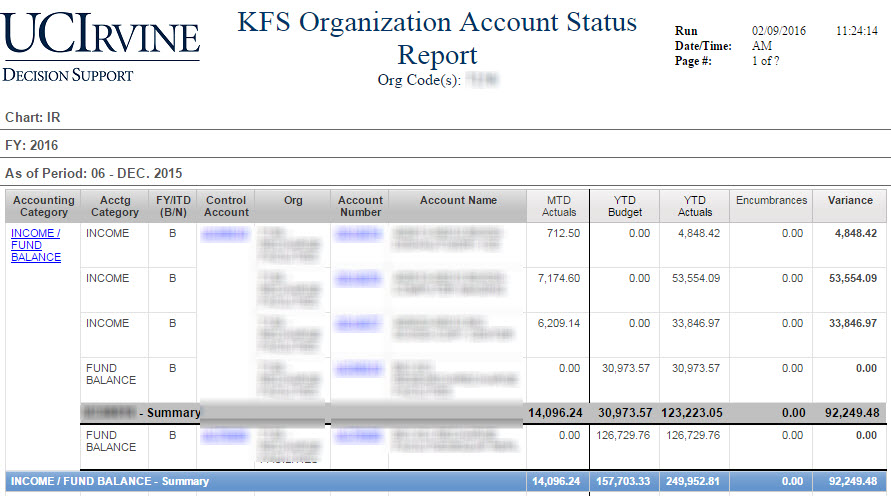
| Organization Account Status |
Quick overview of each account in a unit. Used to identify income that needed to be budgeted against, and accounts that were not solvent. This report is used extensively in preparation for fiscal close. |
|
Fiscal Officers and Organization Financial Managers/Leaders (MAABOs or MSOs) |
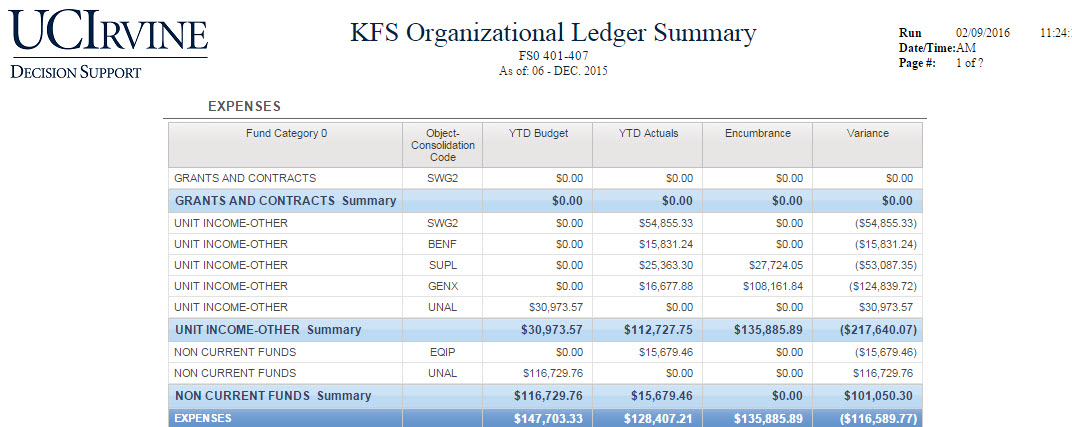
| Organization Ledger Summary | Provides a summary by special fund categories developed by the Budget Office. |
|
Organization Financial Managers/Leaders (MAABOs or MSOs) |
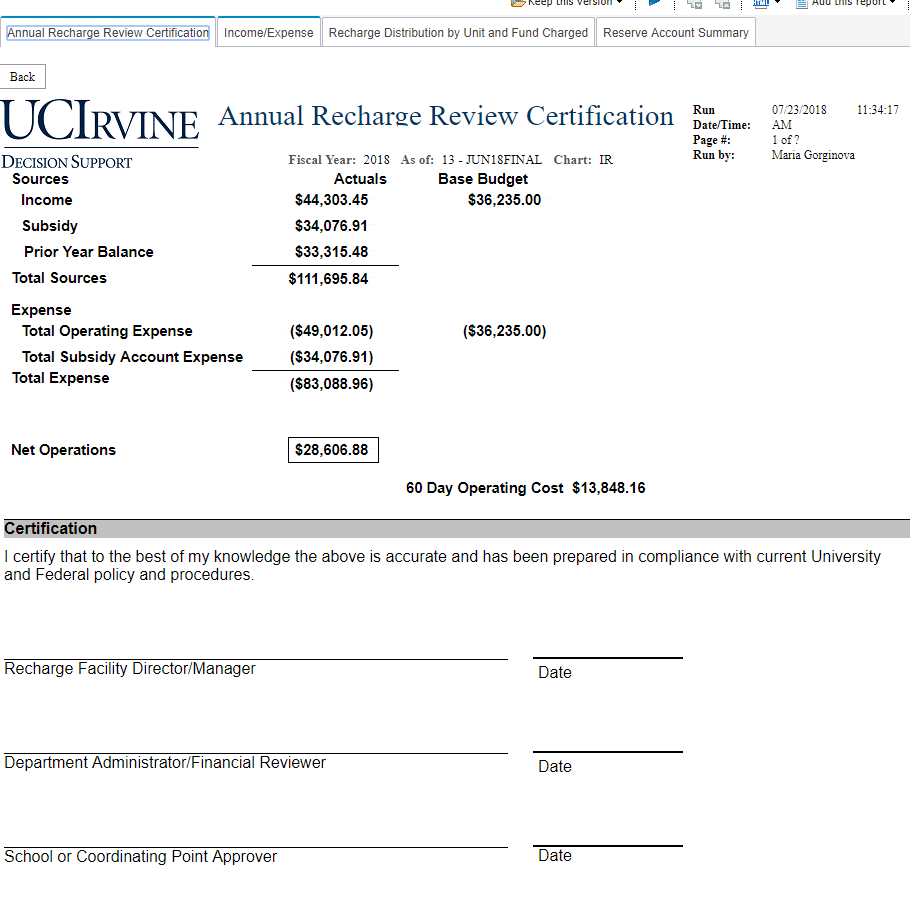
| Recharge Review Analysis Tool | The Budget Office has developed a report tool that will provide some assistance with completing the yearly annual recharge report. For more information, see the guide for the report. |
|
Recharge Managers |