Error Certification Tab
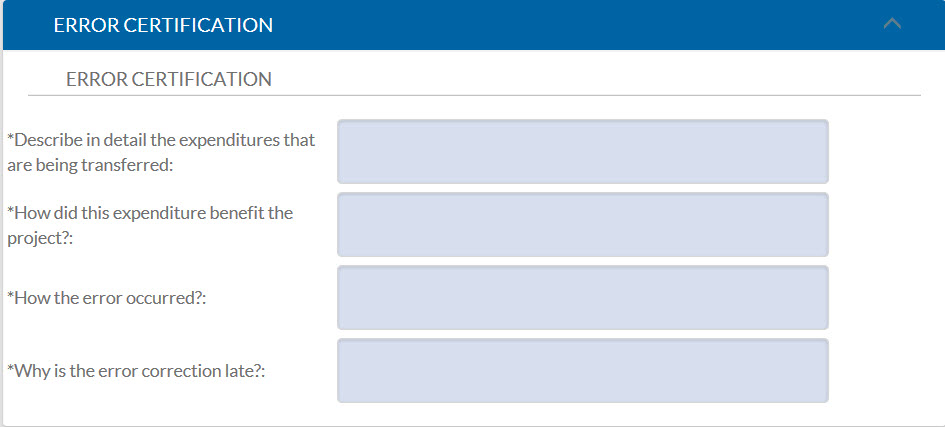
The Error Certification tab will automatically appear in the GEC any time an expense is transferred to or from a Federally funded award.
Per Business and Finance Bulletin A-47, an explanation for cost transfers must have the following questions answered:
- Describe in detail the expenditures that are being transferred?
- How did this expenditure benefit the project?
- How did error occurred?
- If the transfer is completed more than 120 days after the original charge appears on the ledger, then an additional field will appear within the Error Certification tab asking for an explanation. Policy requires cost transfers should be recorded in the University ledgers within 120 days of the original charge.
If an account that has been expired for more than 60 is used in the GEC, the initiator will have to contact Conrtacts and Grants Accounting to have the account temporarily reopened.