Email Notifications and Certification
When a UCI Employee needs to approve a KFS eDoc, an email will be sent letting the approver know action needs to be taken. The email includes a link to the approver's action list and a link to the approver's action list preferences.
In order to access KFS using this link the user must be using a UCI Internet connection (on-site or Virtual Private Network (VPN)).
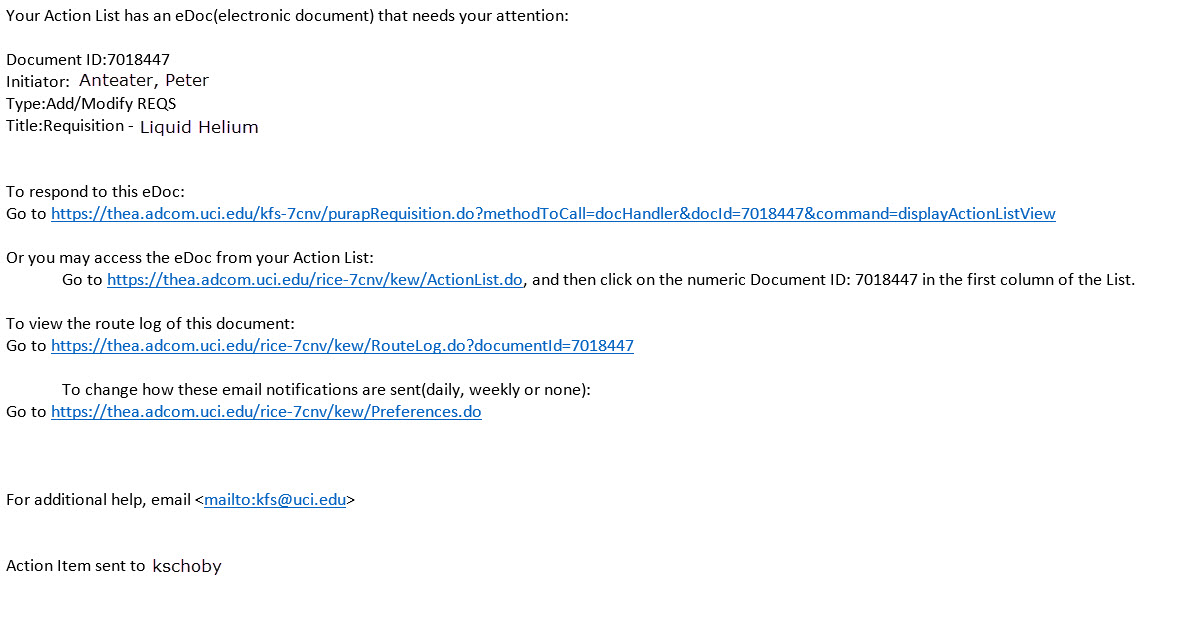
Action list emails cannot be resent.
If an approver doesn't know if they have a document to approve or not, they can look in their action list. By going to portal.uci.edu > Finances/KFS > Action List, approvers can view all documents that require their approval.
Information and Updates from Accounting and Fiscal Services
Sign up for the following mailing lists to keep up to date with the latest news out of Accounting & Fiscal Services. Get announcements, updates, service alerts, and important news relating to KFS or Accounting & Fiscal Services in your email, subscribe to the following mailing lists to keep up to date on the latest UCI financial news.
- AFS-Update for updates and news from Accounting & Fiscal Services.
- UCI-DWH for Decision Support and Data Warehouse updates.