How to Look Up Available Balances in KFS
Results for the Available Balances inquiry show budget, actual, encumbrance, and variance by object code. For expenses, the variance equals the budget minus the actual encumbrance. For revenues, variance equals actual minus budget. You may view either consolidated or detailed results, which segregate subaccounts and sub-object codes.
How to Access
- Log in to ZotPortal and select the Finance/KFS Tab.
- If accessing from off-campus, make sure you are logged into the Software VPN.
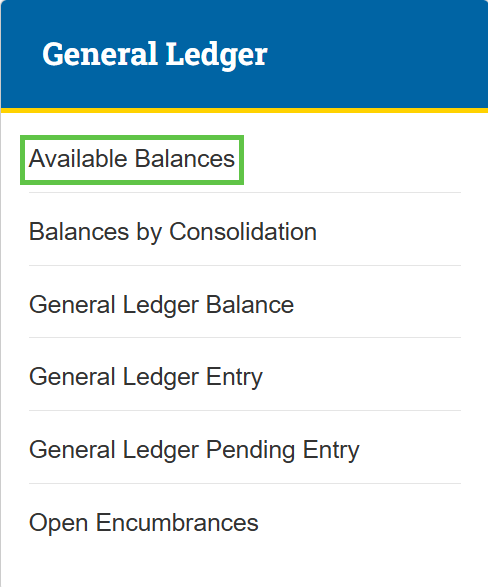
- Navigate to the General Ledger section.
- Select Available Balances.

Tip: For step-by-step instructions with screenshots on how to access KFS from the KFS homepage and use the Jump To box (Ctrl+K / Cmd+K) for quick navigation, see the KFS Access Guide.
If you need help logging into the OIT Software VPN, or are unsure about your KFS access, see Accessing the Kuali Financial System. This page also helps you identify your Department Security Administrator (DSA), who can assist with access issues.
How to Search
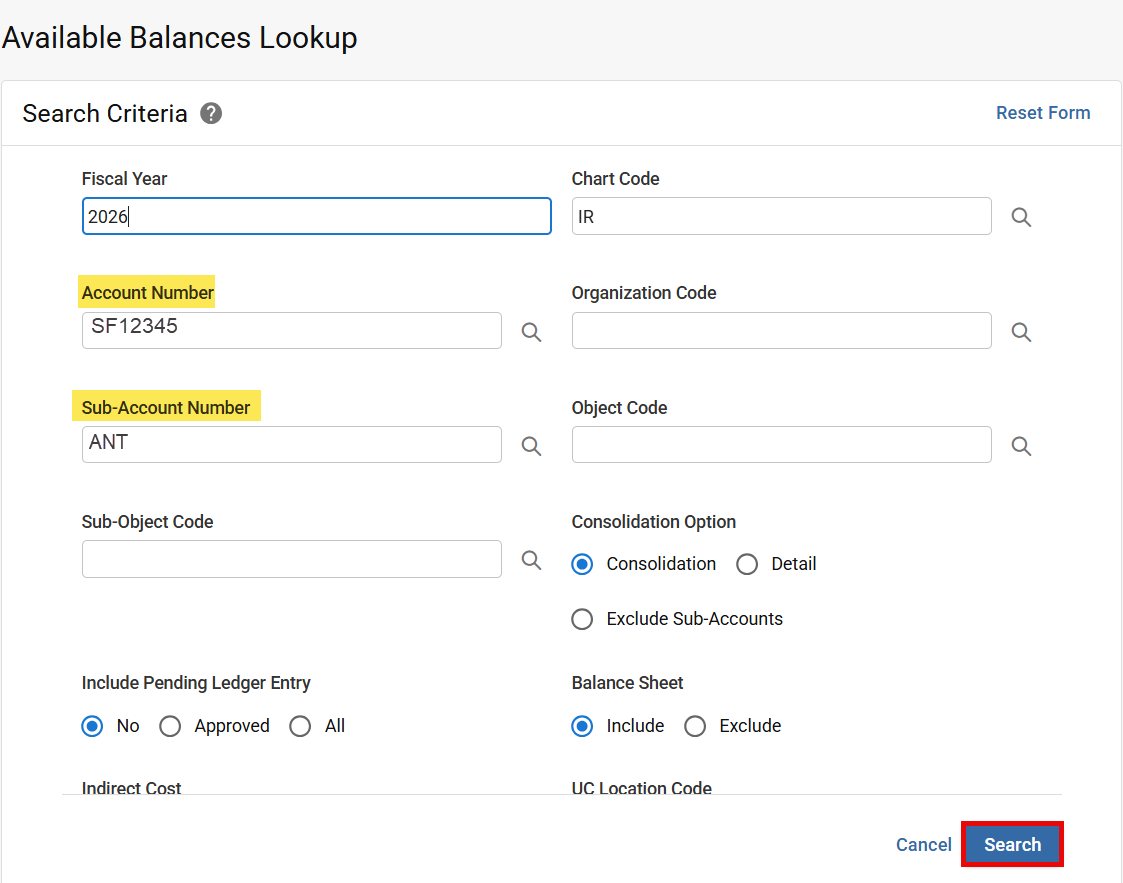
Enter desired search criteria. Enter either an Account Number or Organization Code when searching by Sub-Account Number.