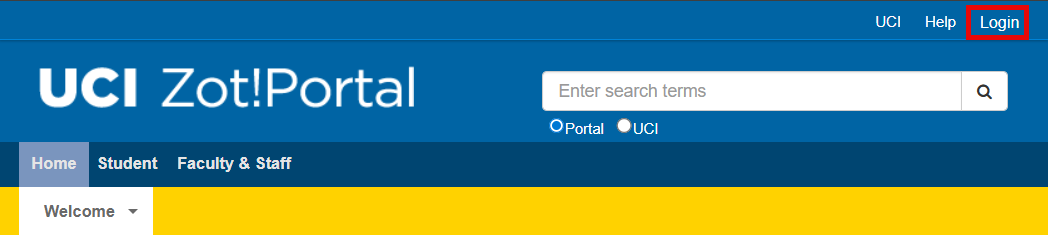
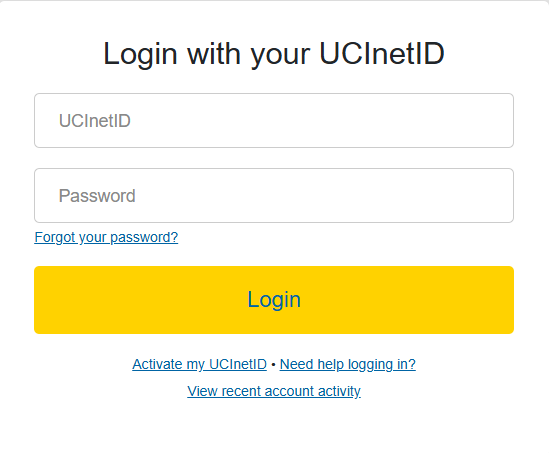
To look up open encumbrances, go to Zot!Portal and login using your UCnetID.
The ZotPortal login page. Sign in with your UCInetID to access KFS and other applications.The KFS login screen. Enter your UCInetID and password to authenticate and access the KFS system.
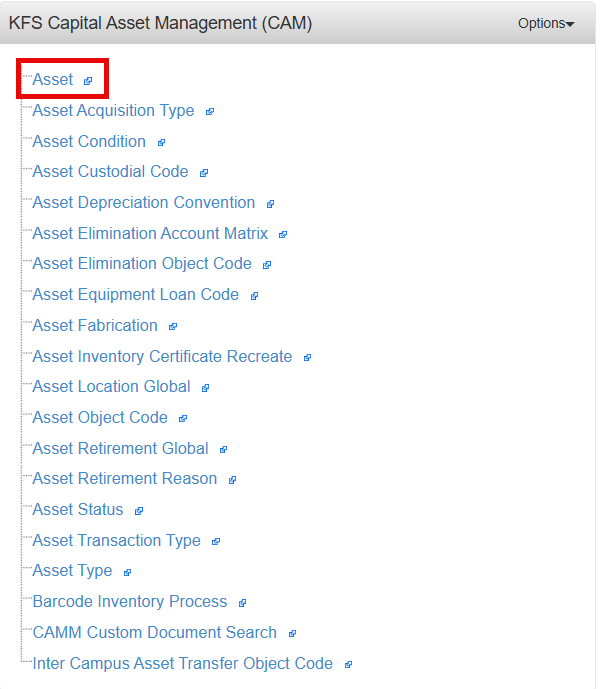
Select the Finances/KFS tab, then go to the KFS Capital Asset Management (CAM) portlet and select the asset link.
The ZotPortal Finances/KFS tab. Click this tab to access KFS portlets including the Capital Asset Management section.The KFS Capital Asset Management (CAM) portlet in ZotPortal. Click the Asset link to open the Asset Lookup screen.
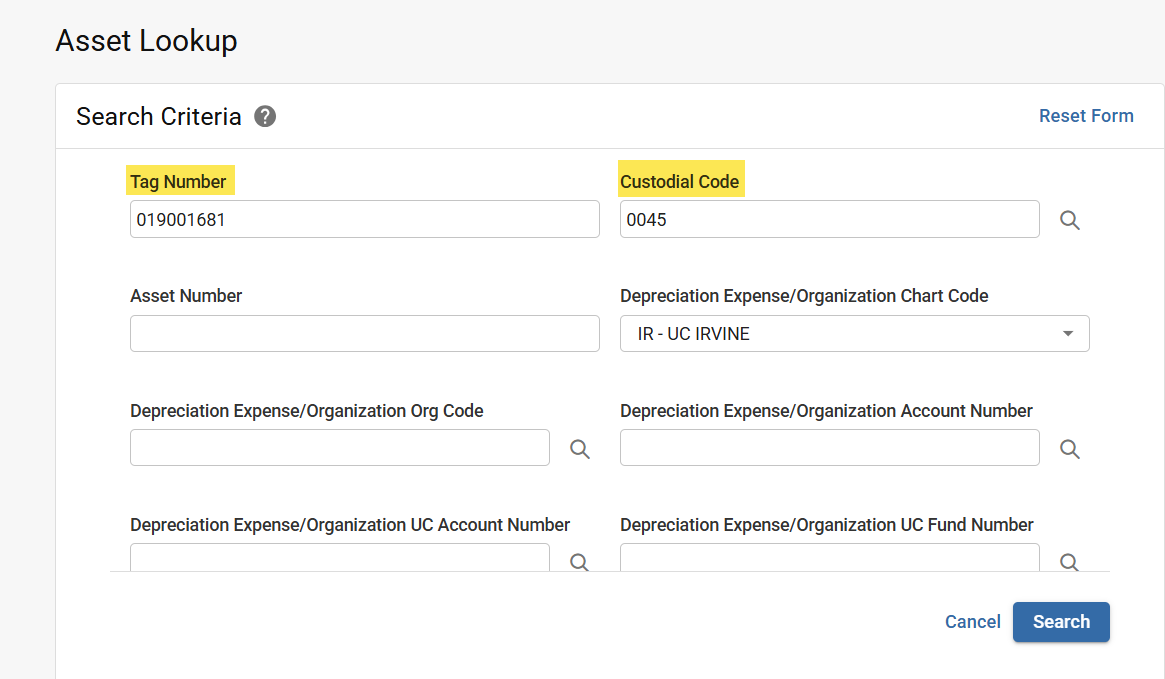
If known, enter the Property Tag Number (barcode ID tag affixed to asset) in the Tag Number field.
Enter a Custodial Code.
The Asset Lookup search form. Enter a Property Tag Number and/or Custodial Code to search for and retrieve asset details.